> For AI agents: the complete documentation index is available at /llms.txt, the full documentation bundle is available at /llms-full.txt.
# 整站置灰
## 默认网站也页面样式
:::tip 效果图
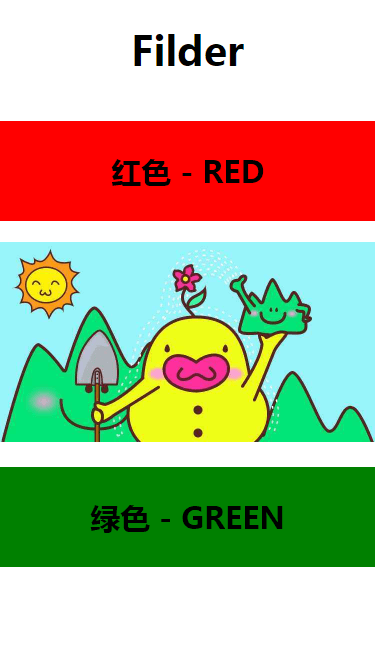
:::
Demo 实现代码:
**页面 CSS 样式**
```css title="CSS"
* {
margin: 0;
padding: 0;
}
html,
body {
width: 100%;
height: 100%;
}
html {
/* 灰色模式 */
/* -webkit-filter: grayscale(1);
filter: grayscale(1); */
}
#app {
width: 100vw;
height: 100vh;
}
#app h1 {
line-height: 100px;
font-size: 40px;
font-weight: bold;
text-align: center;
}
h2 {
line-height: 100px;
font-size: 30px;
font-weight: bold;
text-align: center;
}
h2.r {
background: red;
}
h2.g {
background: green;
}
img {
width: 375px;
height: 200px;
}
```
**页面布局**
```html title="HTML"
Filder
红色 - RED

绿色 - GREEN
```
:::danger 置灰效果图
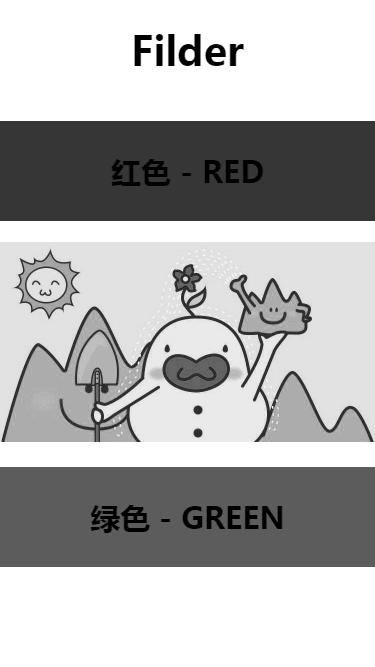
:::
## 置灰效果关键代码:
```css title="置灰效果关键代码:"
html {
/* 灰色模式 */
-webkit-filter: grayscale(100%);
filter: grayscale(100%);
filter: progid:DXImageTransform.Microsoft.BasicImage(grayscale=1);
}
```
:::tip 注意
主要用到的就是 **CSS3** 样式的 **filter(滤镜)** 属性
:::